Self-hosted · source-available
Work an incident as a team, from first alert to report.
Open an incident, drop the evidence, read it on one timeline, automate the routine and hand over a report. Everything stays on your server.
Where do you start?
-
I work incidents
-
I run the server
-
I build on Nik
What Nik does
-
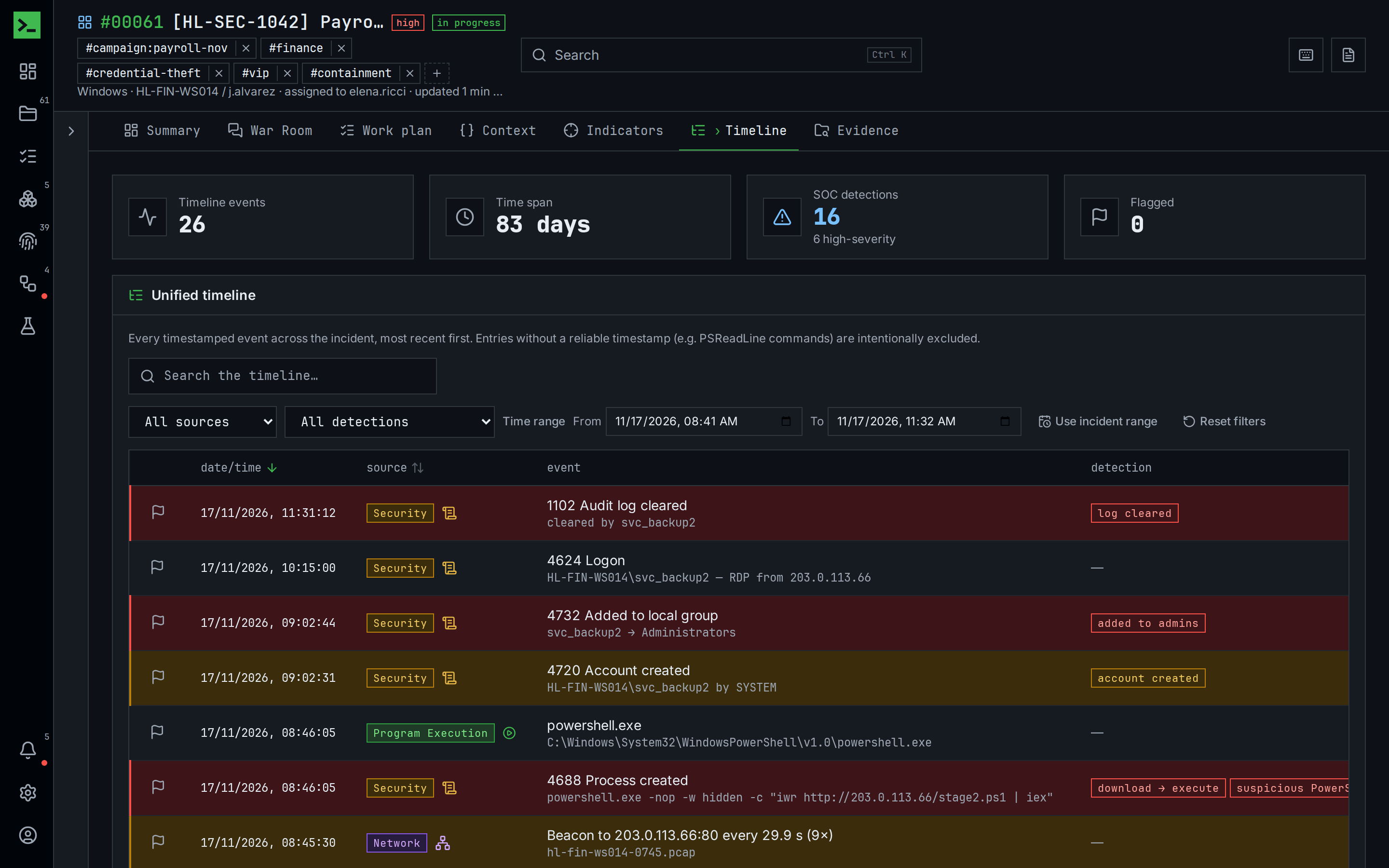
Incidents and timeline
One case per incident, every event on one timeline, a War Room for what was said and done.
-
Mail analysis
Headers, SPF/DKIM/DMARC, links and attachments of a reported e-mail, with a verdict.
-
Malware analysis
Static analysis, YARA, capa and a disassembler. Samples are never executed.
-
Network and links
Captures read by Wireshark's engine; links visited by an isolated browser.
-
Indicators
Found in what comes in, checked against threat intelligence, exported as CSV, STIX or MISP.
-
Playbooks
Drawn on a canvas: triggers, conditions, approvals, Python in a sandbox.
-
Connectors and mirroring
Fetch from Jira, ServiceNow, SentinelOne or a mailbox, and keep both sides in step.
-
Safe by default
Two-factor sign-in, an encrypted store, a signed audit log, backups that test themselves.
New in 6.10
Select many incidents, artifacts or indicators and act on them at once; indicators found by themselves in what comes in; mirroring on everything that fetches. Read what changed →