Install
Run Nik on your own machine in a few minutes, with Docker or Podman.
You need
- Docker with Compose, or Podman with
podman compose/podman-compose. git.- Memory for the analysis workers: each runs under its own limit, set in
.env.example(4 GB for the analyzer, capa and packet capture workers by default).
Start the stack
- Clone the repository and go into it.
- Run
deploy/init-env.sh. It writes.envand a fresh random value for every secret, each in a file of./secrets. It is safe to run again. - Start the stack. The first build takes a while. The
apicontainer creates the database at its first start. - Open https://localhost:8443. The certificate is self-signed at the first start, so the browser warns once: accept it. http://localhost:8080 only redirects there.
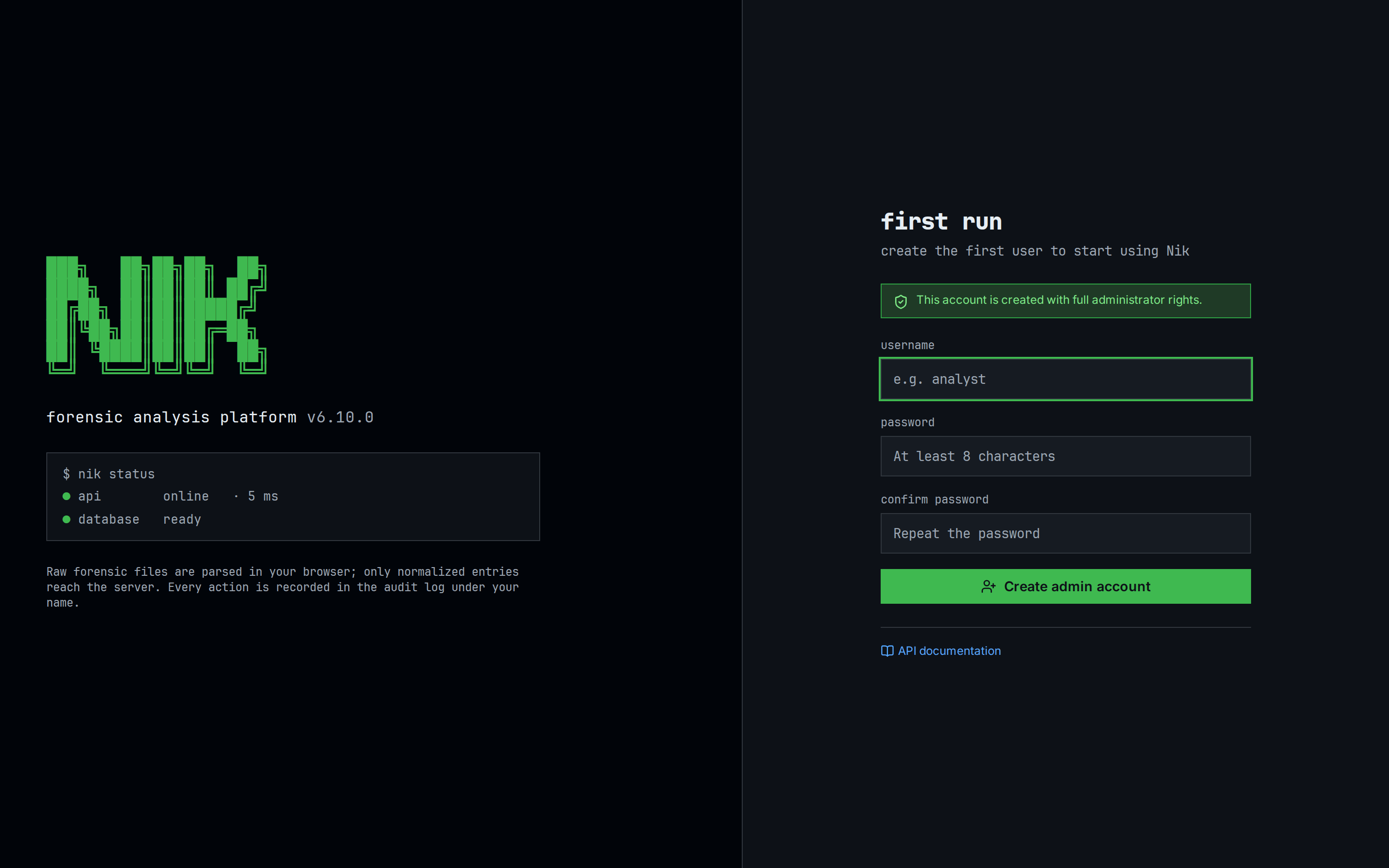
- Create the first account at once. Whoever creates it becomes the admin. See First sign-in.
The stack refuses example secrets
Nik does not start without its secrets (DB_PASSWORD, SECRET_KEY, STORE_KEY and one token per worker), and refuses the values printed in .env.example, which are public. Always run deploy/init-env.sh first. Keep a copy of ./secrets away from the machine.
Check that it runs
docker compose ps              # every container should be "running" or "healthy"
docker compose logs -f api     # follow the backend
With Podman, write podman compose instead of docker compose.
If the page says Nik is not running, wait a minute and reload: the api container waits for the database at start.
Stop it, or remove it
docker compose down            # stop; the database and the files stay
docker compose down -v         # stop AND delete every volume: database, files, certificate
Warning
down -v deletes everything Nik holds. Use it only on a test machine.
For a real server
The quick install is enough to try Nik. For a server your team uses, follow Install in production: your own host name and certificate, start on boot, rootless Podman and SELinux, then backups.